¡SCALE YOUR COMPANY!
At PROMDI we understand business processes from a business perspective, not just a technical one.
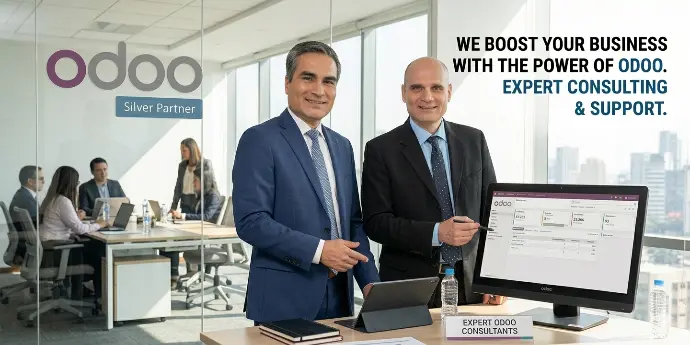
Odoo Partner Mexico & USA
We offer a comprehensive solution for companies that need to digitize their business processes by consolidating their administration and operations through Odoo ERP.

Diagnosis
We provide you with fast, specialized consulting to determine if you are ready to implement the Odoo ERP, and if not, we offer alternatives tailored to your current situation.
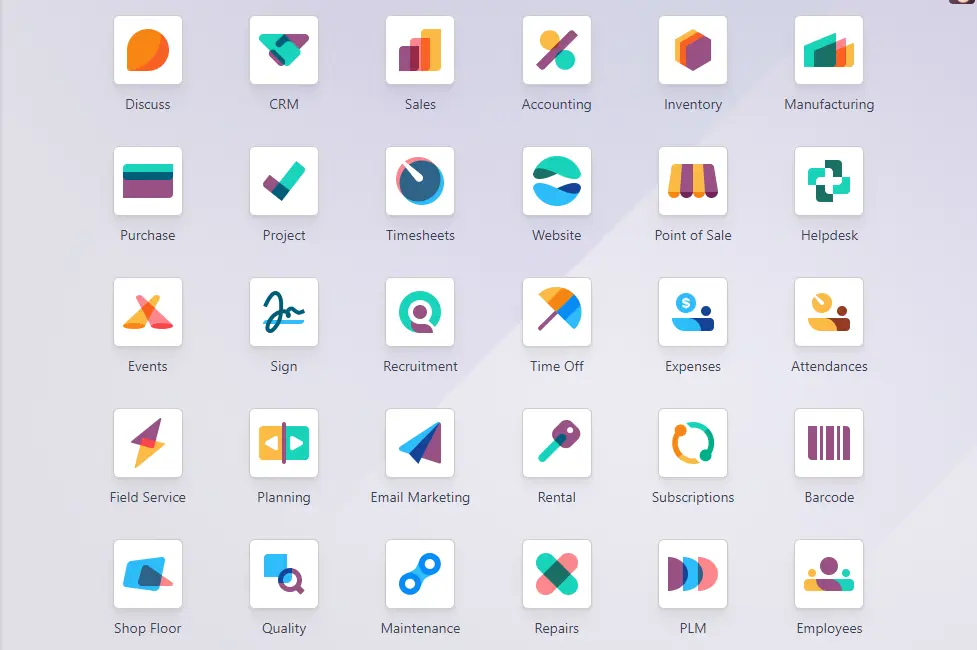
Native Odoo Implementation
We implement Odoo in your company, configuring it in the standard mode without customizations.
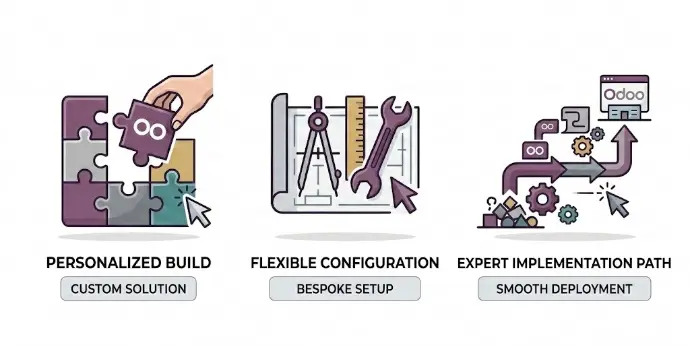
Custom Odoo Implementation
We implement Odoo ERP in your company by developing new functionalities, making adjustments or maintenance to standard modules, or creating new applications tailored to your needs.

Support and Follow-up
We´ll create a customized plan to provide you with functional support and follow-up once you´ve implemented Odoo.

Hourly Packages
We provide functional and technical support through various hourly packages that you can manage as needed.
Working together
We are Odoo Partner in México and United States.
Our Workfow

Diagnosis
Ready or not to adopt Odoo?
What to do.
Proposal
Based on your needs, we will provide you with a price quote outlining your requirements.
Pay
On-line, credit card, transfer. Easy for you.
Implement
Configuration, customizations, training. According to your project and requirements.

Follow-up
Technical support and follow-up once your solution is up and running.
Successful Projects
Users
Retention Rate
Years of experience in Odoo






Some References